 BusSing

Your privacy comes first in BusSing. The app does not use Google Ads or sell your personal data. Finding the nearest bus stop is a useful reason to ask for your location, but you deserve to understand what happens to that information. Here is how BusSing uses it and how to review your permissions.
Location helps with the journey you choose
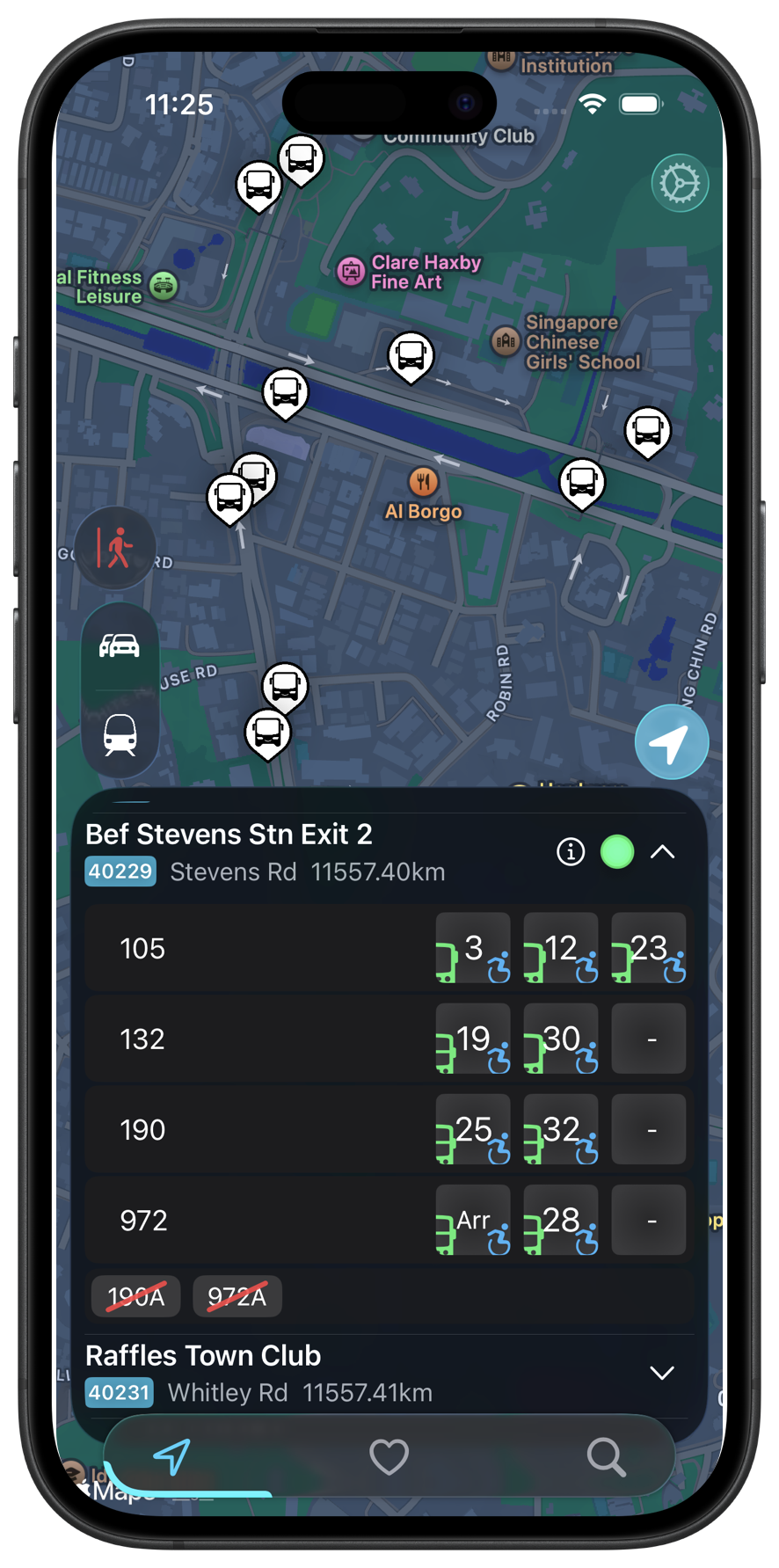
With your permission, BusSing uses precise location on your device for the map, nearby stops, nearest-favourite widgets and location-based alight reminders. These features need to know where you are to help with your commute.
When you request transit directions, the selected start and end coordinates go to our backend and then to OneMap to calculate the route. BusSing does not keep a continuous location history. The privacy policy describes this flow, along with the other information the app handles.
Why tracking-based ads raise concerns
Repeated location records could reveal patterns in someone's life, including their usual home, school or workplace. That is why a bus app deserves care about what it shares and why. A location permission alone does not explain how an app handles that information.
Apple describes tracking as linking app data with other companies' data for targeted advertising or measurement, or sharing it with data brokers. Its examples include sharing device location with a broker and advertising tools that combine data from different apps. Check an app's privacy disclosures alongside its permissions.
What BusSing does with information
BusSing does not use Google Ads, sell personal data or build advertising profiles of your movements. It does handle information needed to provide the app. Arrival requests include details such as a stop code, and notifications need an Apple push token. Purchases and optional feedback involve service providers too.
The app also uses product analytics and operational logs to understand feature use and diagnose problems. Its analytics code excludes coordinates, search text, address details, feedback text and push tokens from event properties. Our privacy policy lists these uses and the providers involved.
Express helps cover running costs, including servers and the developer account. The developer letter explains why that matters for an independently built app run by a student.
Review your iPhone location settings
You can review location access for individual apps in iPhone Settings. The available choices depend on the app. Apple also lets you choose whether to share precise or approximate location.
BusSing still works with location turned off, but nearby-stop and other location-based features will not work as intended. Consider which features you use when choosing a permission. For questions about information held by BusSing, contact us through the privacy policy.
- Open Settings, then Privacy & Security, then Location Services.
- Select BusSing and review the location access options.
- Review Precise Location and choose the setting that suits the features you use.
Sources: Apple: user privacy, data use and tracking · Apple: Location Services and precise location
Try it on your next commute.
Live Singapore bus arrivals, widgets and offline MRT maps. All in BusSing.