 BusSing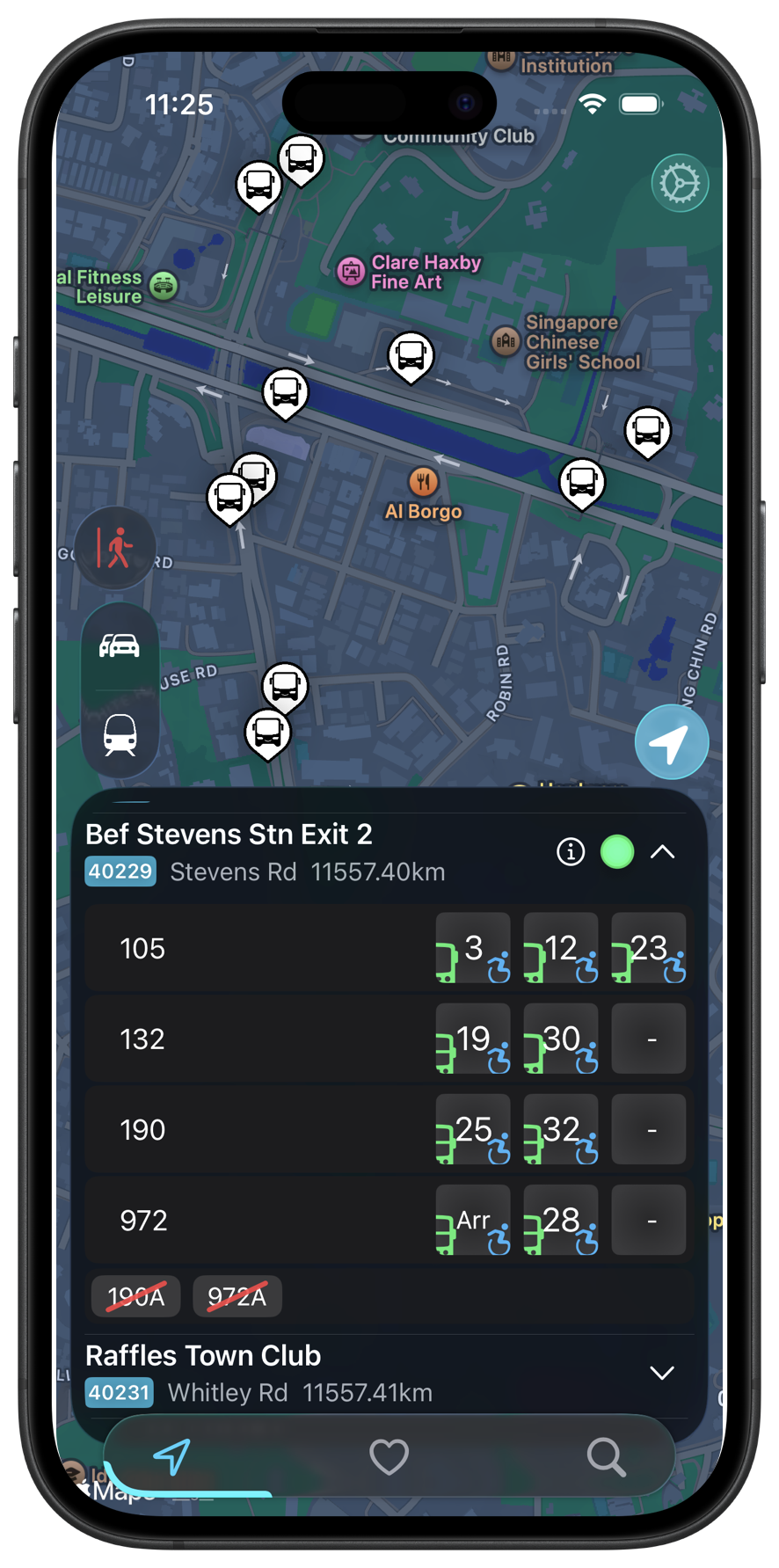
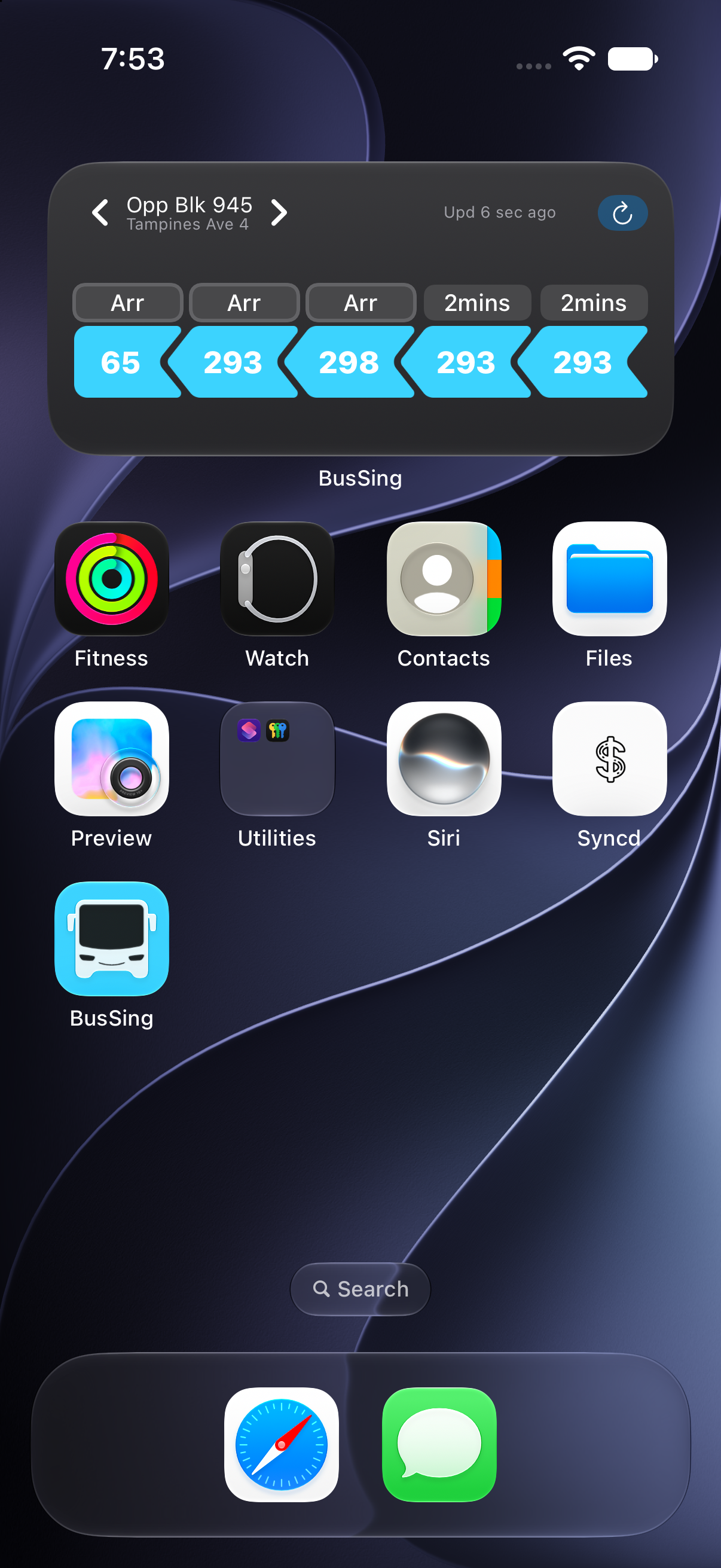
BusSing lets you check Singapore bus arrivals from your wrist. It is useful when your phone is in your bag and you want to check the next bus.
Install the Watch app
The current listing requires watchOS 11 or later, with iOS 18 or later for the iPhone app. Check that your Watch supports that software before installing.
- Install BusSing on your iPhone.
- Open the Watch app on your iPhone and select My Watch.
- Look under Available Apps and install BusSing if it is not already on your Watch.
- Open BusSing on the Watch to check arrivals.
Confirm the stop before relying on the time
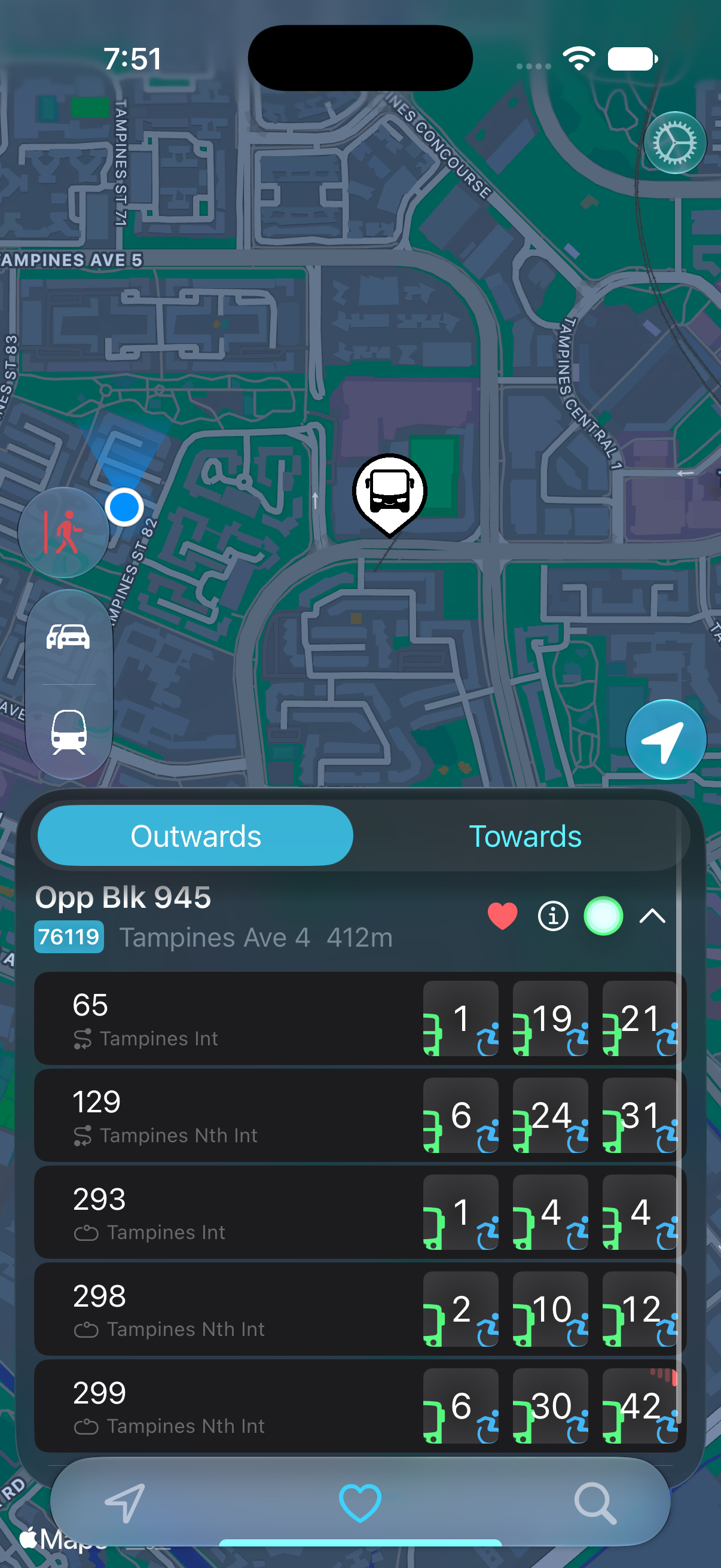
Check the stop and service shown on the Watch. Stops with similar names can serve opposite directions. Keep the iPhone app available when you need the full route map.
BusSing documents favourite stops on iPhone. Check the current Watch app for its stop-selection controls; the screens can change between releases.
If no arrivals appear
Check the same service in the iPhone app. Missing arrival data can affect both devices. Confirm the Watch has connectivity through its available connection and that both apps are updated.
If only the Watch has a problem, send support both software versions and the stop code. Offline MRT planning does not mean live bus arrivals work offline.
Sources: BusSing App Store features and release notes · Apple Support: download apps on Apple Watch
Try it on your next commute.
Live Singapore bus arrivals, widgets and offline MRT maps. All in BusSing.