 BusSing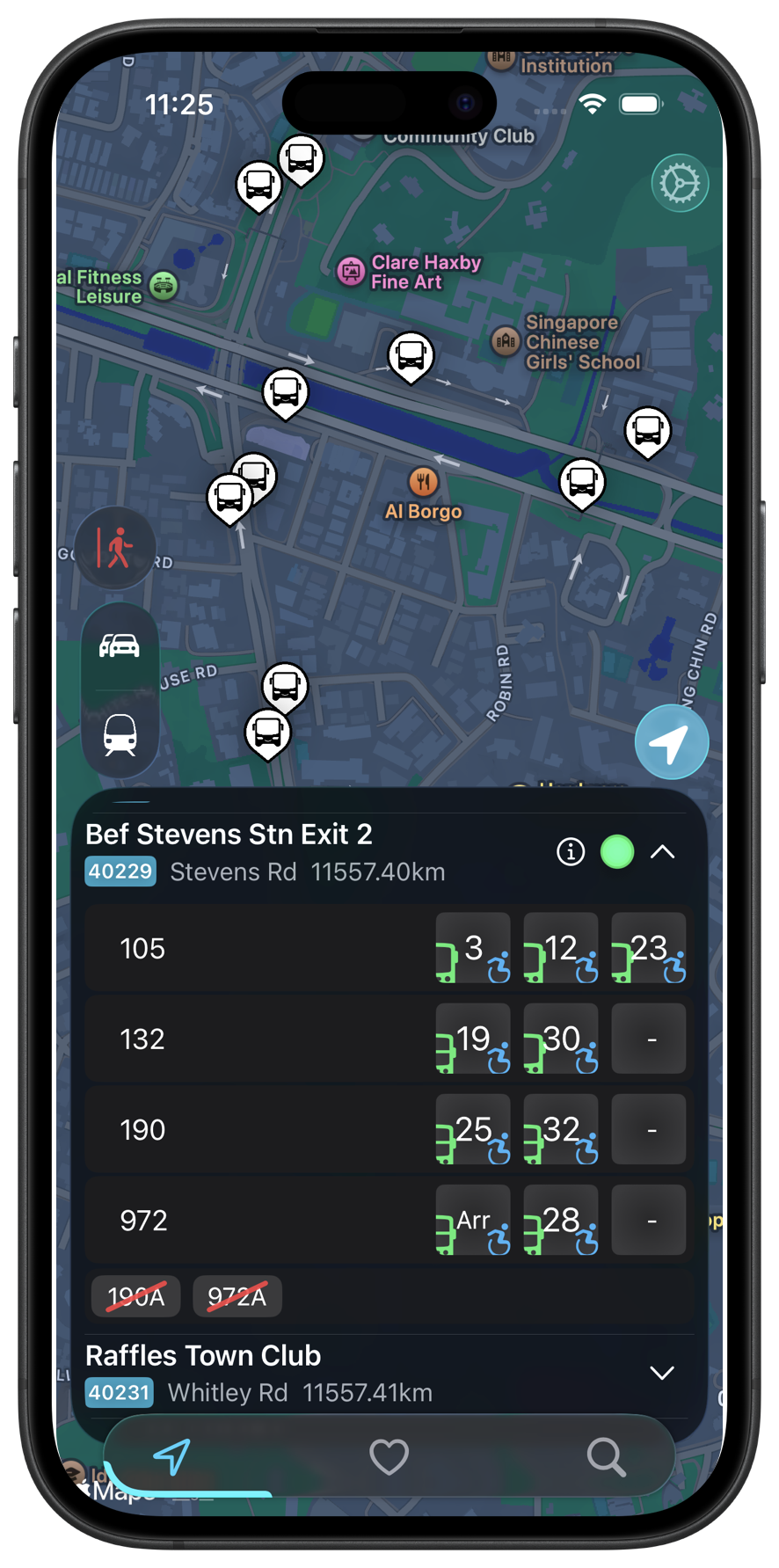
Getting somewhere often involves more than one bus. There is the walk to a stop, the bus to a station and perhaps an MRT ride before the final walk. BusSing has point-to-point directions inside the app, so you can plan those parts of the journey together.
Start with where you want to go
Use the in-app directions to choose a starting point and destination. BusSing can combine walking, buses and MRT into one journey. You can get a route without working out each connection in a separate app.
A journey might mean walking to a bus stop, riding to an MRT station, changing trains and walking from the destination station. The combination depends on the starting point and destination you choose. Read the route before leaving so you know where each part begins and ends.
Read the walking and transfer parts too
The walking portions connect your actual starting point and destination to the transport network. They also help you understand a transfer between stops or stations. Give yourself time for those walks, especially on an unfamiliar journey.
For a bus portion, check the boarding stop, service and direction. For MRT, check the line, interchange and direction against the signs at the station. Two stops across the road can have similar names, so confirm the stop code when you arrive.
Keep the next bus in view with Live Activities
For a bus leg of your planned journey, you can start BusSing's usual bus-arrival Live Activity to wait for that bus. It shows arrival updates on your Lock Screen and, on supported iPhones, Dynamic Island while you walk to the stop or wait to board.
Start it for the service and boarding stop in your planned route. You can check the countdown while using another app. The Live Activity covers your wait for that bus. Follow the walking, MRT and transfer steps in the in-app directions.
BusSing Express includes unlimited Live Activities. Access without Express has a limit, so check your current allowance in the app.
How to start a bus Live Activity
Free features and BusSing Express

Point-to-point directions and offline MRT planning
Point-to-point transit directions request a route through BusSing's backend and OneMap. You need a connection to fetch those directions and live bus arrival estimates.
BusSing also has a separate offline MRT planner. It is useful for checking a rail route when your connection is weak, but it does not provide live disruption information. Use point-to-point directions for the combined walking, bus and MRT journey, and offline MRT planning for the rail route when you are offline.
Arrival times and journey durations are estimates. Allow time for walking and transfers, and check current notices at the stop or station if the service changes during your trip.
Try it on your next commute.
Live Singapore bus arrivals, widgets and offline MRT maps. All in BusSing.