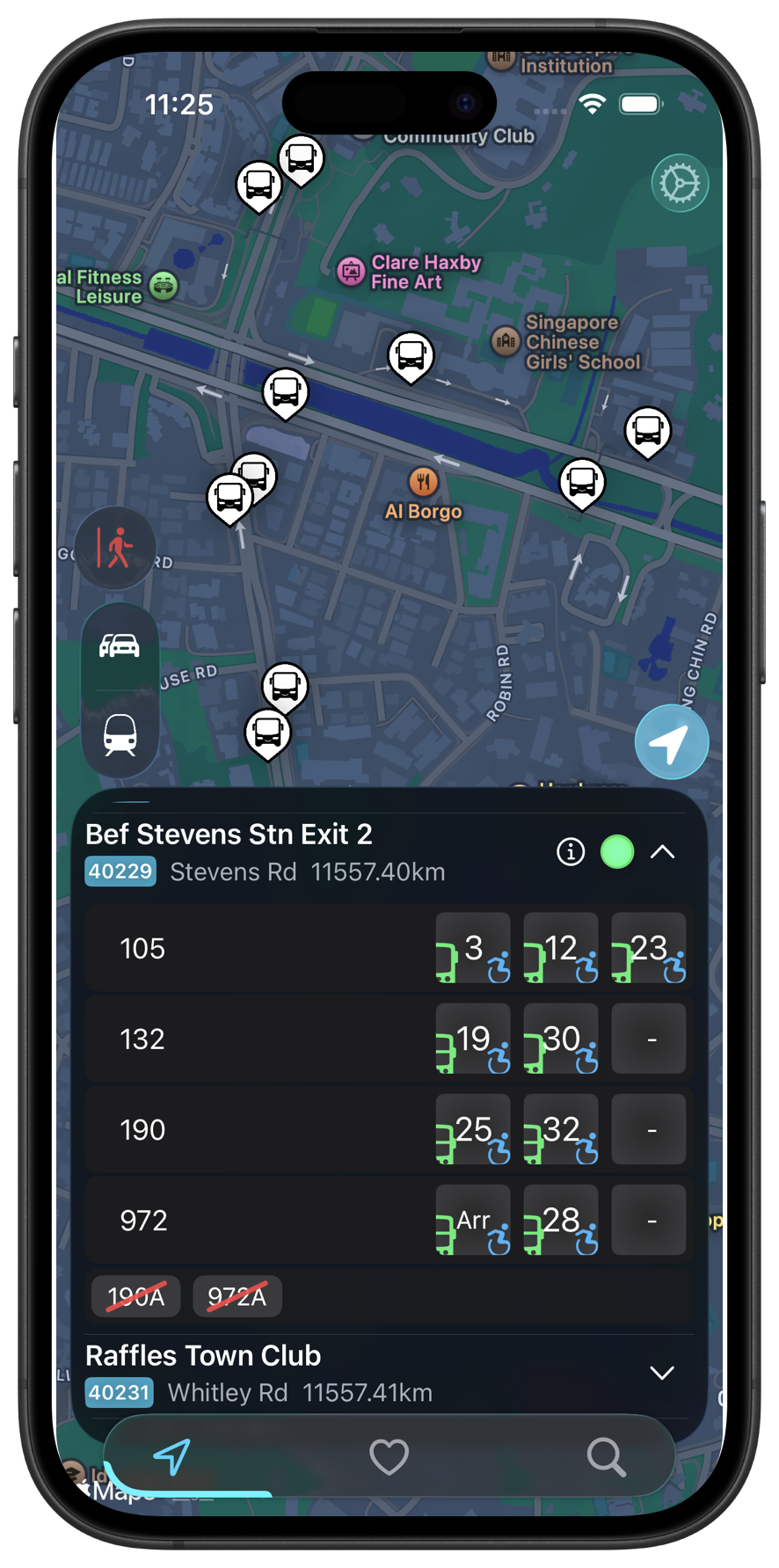
 BusSing

BusSing, Bustro, Singabus and Citymapper all describe ways to get a reminder as your bus approaches the stop where you plan to get off. The setup differs. In BusSing you can set the reminder from a destination stop. Citymapper builds the alert into the directions for a trip you’re following.
How each app reminds you to get off
We make BusSing. This comparison uses our setup screenshots and the developers’ published feature descriptions, checked on 18 November 2026. Exact alert timing and delivery on a locked phone still need to be checked on the ride you take.
| App | How the reminder works | What to check on a ride |
|---|---|---|
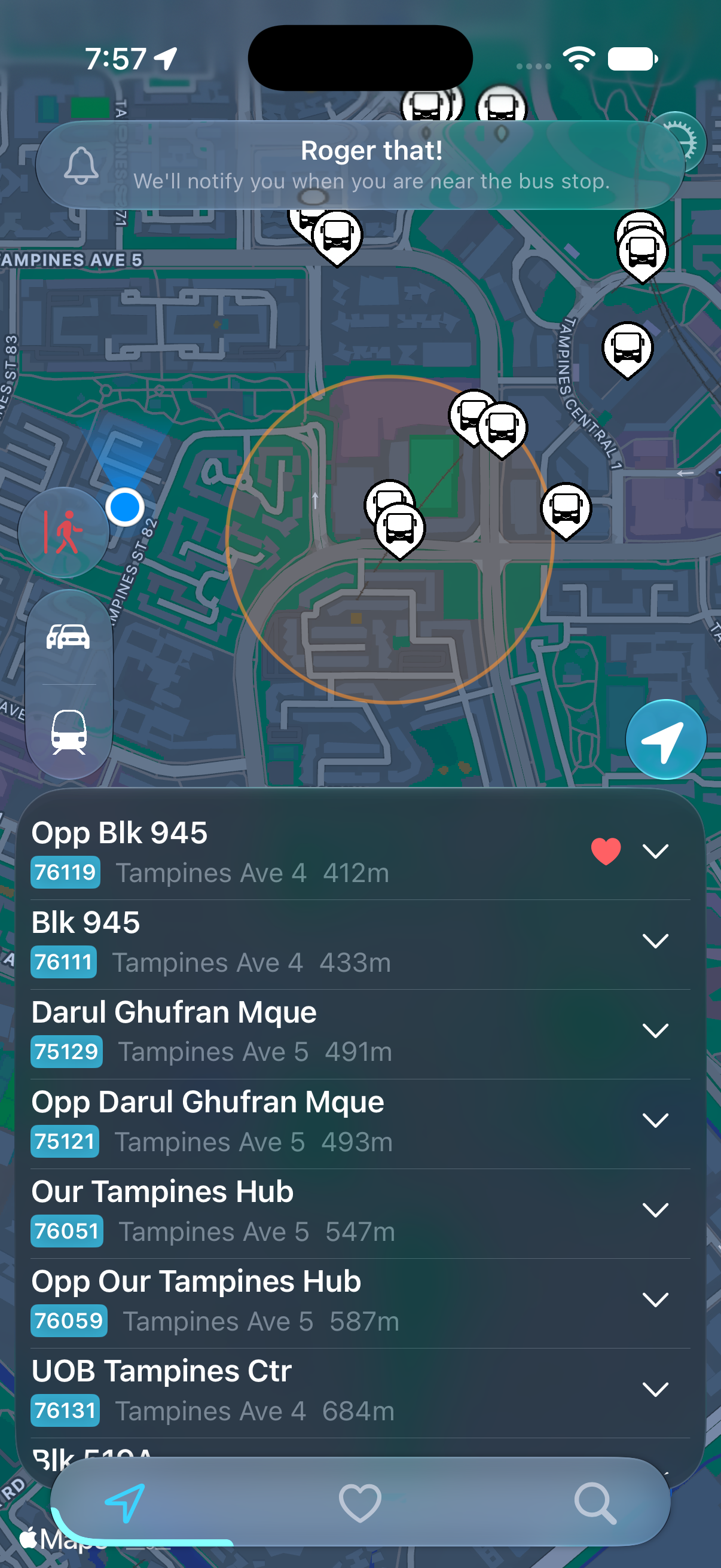
| BusSing | Choose Remind to alight in the destination stop’s menu. The app confirms the reminder and marks an area around the stop. | Check whether the approach notification appears with your usual Lock Screen and Focus settings. The reminder is available without Express. |
| Bustro | Its App Store listing describes setting a reminder before boarding, following a Lock Screen countdown and getting an early heads-up followed by an alight alert. | The listing says the alert works with the iPhone locked. Try it on your route and see how much time the first alert gives you. |
| Singabus | Its App Store listing describes an alight reminder as you reach your destination. It lists Location Services and an internet connection for full functionality. | Check how the reminder appears on your locked phone. The listing leaves that detail open. |
| Citymapper | Choose a trip and tap GO. Citymapper’s Get Off Alerts guide describes a prompt as the stop for your bus or train leg approaches. | Check the alert on the leg you actually take, especially when your trip includes a transfer. |
Set the reminder for the stop where you’ll get off
An arrival alert helps while you’re waiting to board. An alight reminder helps once you’re on the bus. For the ride itself, match the destination stop’s code to the stop later in your route, especially when there’s a similarly named stop across the road.
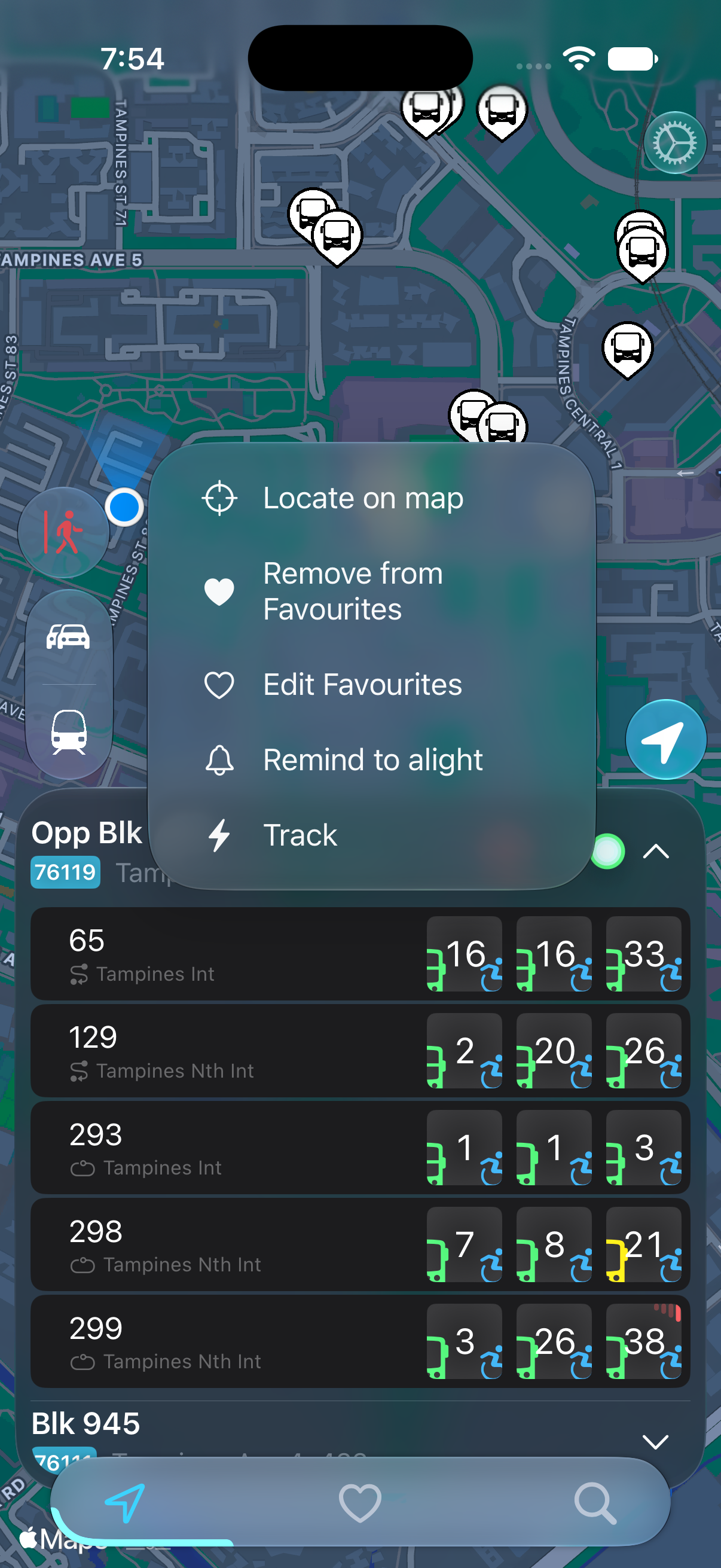
In BusSing, open that destination stop, tap its info menu and choose Remind to alight. Wait for the confirmation before putting your phone away. Follow any location and notification prompts the app shows.
Read the BusSing alight reminder setup guide
Try it once with your phone locked
Pick a route you know and watch for your stop on the first try. For example, on service 129 towards Tampines North, you could board at Blk 801 and set the reminder for Opp Blk 945, stop 76119. The stop before it is St. Hilda’s Sec Sch, which gives you a landmark for noticing when the alert appears.
- Allow the permissions the app requests. In iPhone Settings, check that notifications can appear on the Lock Screen and that your usual Focus allows them through.
- Start the reminder for the same destination in each app you want to compare, then lock the phone as you normally would.
- Notice when each alert arrives and whether you see it, hear it or feel a vibration. If an alert doesn’t appear, check the app’s permissions and notification delivery before trying it again.
Sources: BusSing features and compatibility on the App Store · Bustro’s Singapore App Store listing · Singabus’s Singapore App Store listing · Citymapper’s Singapore App Store listing and Get Off Alerts guide · Go-Ahead Singapore’s service 129 route and stops
Try it on your next commute.
Live Singapore bus arrivals, widgets and offline MRT maps. All in BusSing.