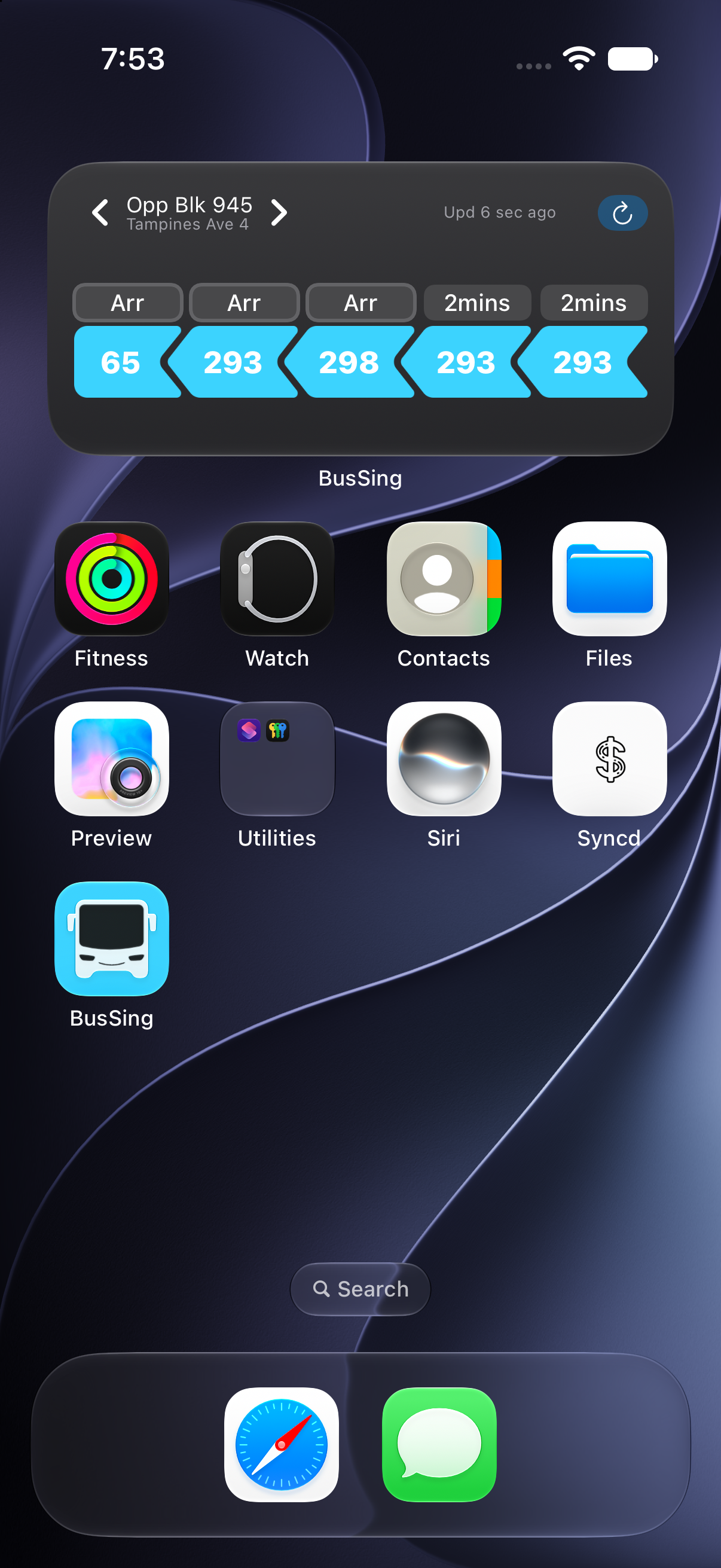
 BusSing


If you want to see where your bus is, open your boarding stop in BusSing and select the bus service from its arrivals list. The route view shows the stops in order. When a vehicle position is available, you can see the numbered bus icon on the map and check the estimate for your stop in the same view.
Find your stop and open the right direction
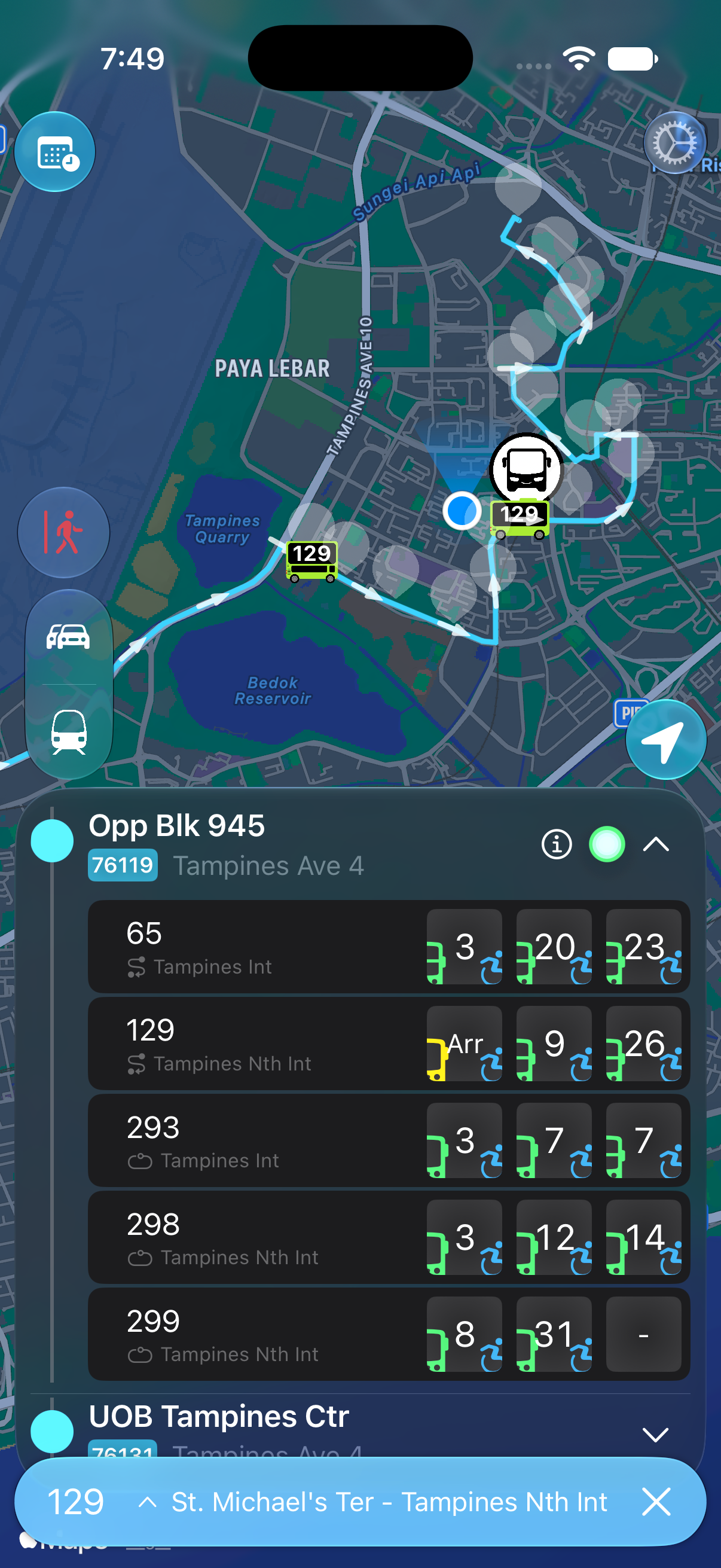
Take bus 129 towards Tampines North Interchange. The example below starts at Opp Blk 945 on Tampines Avenue 4, stop 76119. Across the road, Blk 945 has a similar name and a different stop code, 76111. Service 129 calls there in the other direction.
- Open BusSing on iPhone and find your boarding stop on the map or search for its name or five-digit code.
- Open the stop’s arrival list and select your service. In this example, choose 129 at stop 76119.
- Check the destination shown for the service and use the route arrows and stop order to orient yourself. Towards Tampines North, UOB Tampines Ctr is the next stop after Opp Blk 945.
Go-Ahead Singapore’s service 129 route and stops
Read the bus icon and the timing together
In the cover screenshot, the bus icon marked 129 is on the highlighted route. The timing row for 129 shows the arrival estimates at Opp Blk 945. Use the map to see the estimated position and the timing row to decide whether you have enough time to reach the stop.
Leave room for the walk and any road crossing. An approaching bus may still have other stops to make. If the next estimate is too close, check the following bus in the same row before deciding when to leave.
For a countdown you can glance at while using another app, start a Live Activity for the service. You can return to the map whenever you want to see the route and vehicle position again.
What to check if a bus icon is missing
Check the same stop, service and direction in the arrivals list. If a timing appears without a vehicle marker, you can still use the ETA as a guide. LTA’s arrival feed includes estimated coordinates and can supply an ETA based on the operator’s schedule. The timing and the position give you different information.
If both are blank, check your internet connection and look for current operator notices. Near the end of the day, check the published last-bus timing for that specific stop and direction. A missing marker by itself tells you very little about whether the service is running.
Sources: BusSing features and compatibility on the App Store · Go-Ahead Singapore’s service 129 route and stops · LTA DataMall API user guide, Bus Arrival dataset
Try it on your next commute.
Live Singapore bus arrivals, widgets and offline MRT maps. All in BusSing.